Less upkeep.
More play.
Teatro - Home Game Server
A lightweight, fast, self-hosted library for your DRM-free Windows games and console ROMs. Built around a simple idea: it should just work.
Beta Version 0.22.1: Docker images for amd64 and arm64.

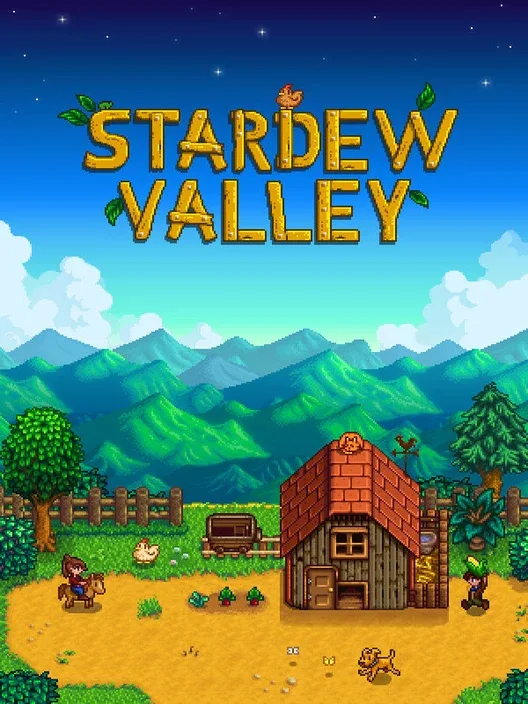

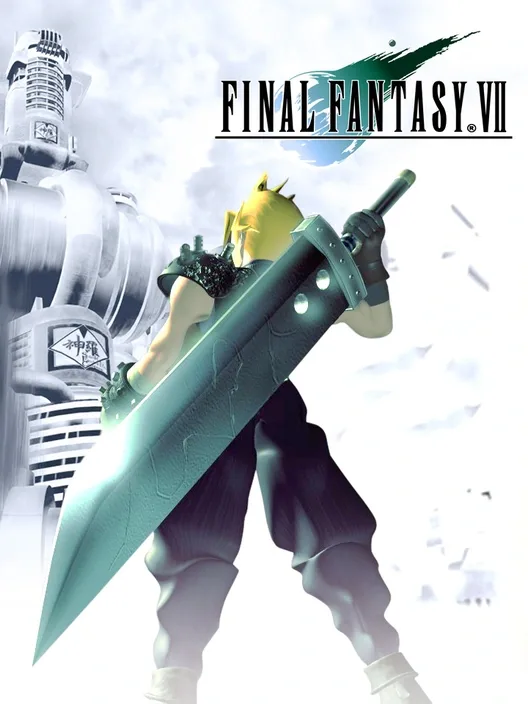
Windows games and console ROMs. One library, in your browser.
Rust SQLite You host itYour library.
Your way to add it.
Already have folders full of games? Adding a few from your computer? Keeping GOG offline installers? Pick the import method that fits, or use them together.
- Scan your library
- Start a scan of your managed library folders. Teatro imports new games automatically and fetches metadata and covers when IGDB is configured.
- Upload your titles
- Select one or more local titles in your browser. Review the import, start the upload, and keep adding games without waiting for the last batch.
- Import GOG installers
- Turn owned GOG offline setup files into Windows game archives. Enable the optional importer, then add the setup file and its matching parts. No installer execution needed.
Every import in Jobs.
Scans, uploads, and GOG imports share one place to follow progress and results. Run jobs in parallel within the server's limits, and keep browsing while they work.
Less file hunting.
More finding your next game.
Browse by platform or narrow your library by play mode, year, score, genre and file size. Sort the results to find your next game, then download from your browser. A separate admin interface keeps library management out of the way.
Light on your server.
Easy on you.
A library built to be fast and easy to use. Spend your time with your games, not maintaining the software around them.
- Lightweight by design.
- A Rust server, an embedded SQLite catalog, and a browser interface with no frontend build step. No separate database service to run.
- A collection for game night.
- Pick games in Admin, give the collection its own URL, and share it with signed-in players. Enable a LAN Party Zone to let anyone who can reach that URL browse and download just those games without an account. Learn about collections.
- Your files stay yours.
- Game files remain visible on disk alongside a searchable catalog. Manage DRM-free Windows ZIP and 7z archives as well as single-file and multi-disc console games.
- Less catalog work.
- Connect IGDB for automatic metadata matching and cached covers on import. You can still edit titles, regions, and summaries yourself.
Make room
on your server.
Teatro is in beta. The core server and browser interfaces are implemented; release qualification is still in progress.
Run the image or build the source.
Signed beta images are available for Linux amd64 and arm64. You can also build Teatro with Docker or compile it directly with Rust. Teatro remains noncommercial source-available software under CC BY-NC-SA 4.0.
ghcr.io/lodilorenzo/teatro:0.22.1Use the versioned 0.22.1 beta tag, not latest. See what's new in 0.22.1. Review the beta security exceptions before deploying. The source is on GitHub.
Share feedback and discuss your setup in the official Teatro Discord.
No ROMs are included. Bring only game files you have the right to use.
Choose how to install.
Use local storage on a 64-bit Linux system. Restrict port 4440 to your trusted network before starting.
Build and run from source
git clone https://github.com/lodilorenzo/teatro.git
cd teatro
cargo build --release --locked
./target/release/teatro users create-admin --username admin
TEATRO_BIND_ADDR=0.0.0.0:4440 ./target/release/teatro serve
Build from source with Docker
git clone https://github.com/lodilorenzo/teatro.git
cd teatro
docker compose up --build -d
Run the official 0.22.1 image
docker volume create teatro-data

docker run -d \
  --name teatro \
  --restart unless-stopped \
  -p 4440:4440 \
  -v teatro-data:/data \
  ghcr.io/lodilorenzo/teatro:0.22.1
For either Docker method, open http://SERVER_IP:4440/setup immediately and create the administrator. See the installation guide for prerequisites, checks and storage details.
Keep the network boundary in place. Use HTTPS or a trusted VPN beyond your local machine. Never expose plaintext Basic Auth directly to the Internet.
Get to know
your server.
From the first start to a library worth keeping. Practical guides for running Teatro, adding complete games, and looking after your data.
Read the documentationBefore you bring it home.
Does Teatro play or emulate games?
No. Teatro organizes your library and serves downloads. Play your games on your own device with the appropriate software or emulator. Teatro does not run games on the server.
Can I manage everything in my browser?
Yes. Import games, follow jobs, edit metadata and create collections in Admin. Players can search, filter, sort and download. Multi-file games also have a server-generated ZIP download.
Does a LAN Party Zone restrict access to my LAN?
No. It allows anonymous access to selected games for anyone who can reach the collection URL. Keep your firewall or VPN boundary in place. Zones are off by default; regular collections still require login. Read the access rules before enabling one.
What about Windows games and GOG installers?
Upload a prepared DRM-free Windows ZIP or 7z archive, or enable the optional importer for owned GOG offline setup files. The importer extracts and packages files without running installers. Games that need registry changes, prerequisites, or services may need extra setup on your device.
Is it ready for a supported production deployment?
Not yet. Published beta images have passed native amd64 and arm64 startup and persistence checks. Production recovery, independent reproducibility and broad client validation remain pending. Review the documented security exceptions and back up your data before upgrades.